8 Best Alternatives to Grafana in 2026 for Observability, BI and Embedded Analytics

Grafana is a popular open-source tool for real-time data visualization and analysis from various data sources. Users can create fully customizable dashboards that display key metrics, graphs, charts, and alerts through its interactive interface.
While this observability platform is powerful, it can be complex to start with, and it has numerous limitations that depend on your use case.
So, if you’re looking for Grafana alternatives, you’ve come to the right place.
The best alternative to Grafana depends on the job. For observability, Datadog and New Relic are the main commercial options and SigNoz is the open-source one. For internal business analytics, Metabase or Superset. For customer-facing analytics inside your product, you want a purpose-built embedded platform like Luzmo.
One caveat before the list. These tools aren't interchangeable. Grafana sits in the observability category, and a lot of "Grafana alternatives" articles quietly compare it against business intelligence tools as though they solve the same problem. They don't. Swapping Grafana for a BI platform will leave you without alerting and time-series querying, and swapping a BI platform for Grafana will leave your analysts fighting a query model built for metrics. If what you actually need is business reporting, you're really shopping for Power BI alternatives for business reporting or general BI tools, not for a monitoring stack. We've split the comparison by job to make that easier.
Grafana alternatives at a glance
| Tool | Primary category | Best for | Open source? | Pricing model |
|---|---|---|---|---|
| Luzmo | Embedded analytics | Customer-facing dashboards in SaaS products | No | Published plans, scales with monthly active users |
| Kibana | Observability and search analytics | Visualizing Elasticsearch data | Yes, in the Elastic stack | Free tier plus paid Elastic plans |
| Tableau | Business intelligence | Enterprise visual analysis | No | Role-based, varies by product and deployment |
| Datadog | Observability | Managed full-stack monitoring | No | Usage-based |
| Prometheus | Metrics collection | Kubernetes and time-series metrics | Yes | Free, self-hosted |
| InfluxDB | Time-series database | IoT and DevOps metrics storage | Yes, core | Managed or self-hosted |
| New Relic | Observability | Application performance monitoring | No | Usage-based |
| Splunk | Log analysis and SIEM | IT operations and security | No | Volume-based |
What is Grafana?
Grafana is an open-source platform for data visualization that connects to many databases. It started out as a visualization tool that allows businesses to create, explore, and share interactive dashboards internally or with other stakeholders.
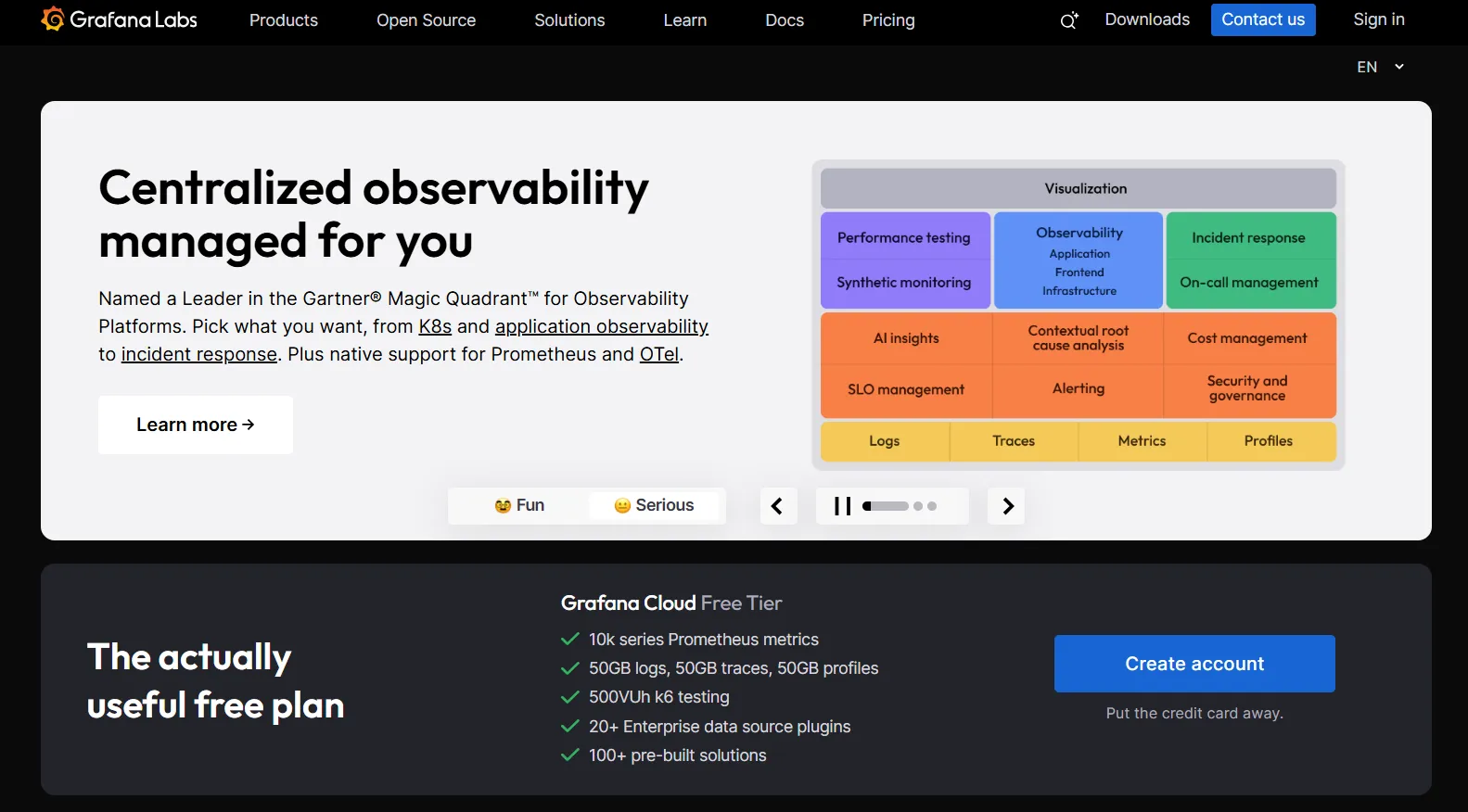
Some of the key uses for Grafana include:
- System performance monitoring: combined with time-series databases such as Prometheus, Grafana’s monitoring tools let you do infrastructure monitoring, application performance monitoring, and more to optimize your app performance.
- Data visualization tool: visualize trends, key metrics and patterns, allowing stakeholders to get to the root cause of a problem and fit data-driven decisions into their workflow.
- Alerting: set up dependencies and conditions that allow Grafana to alert you when certain conditions are met, e.g., when campaigns go through the budget limit.
- Multi-source integration: Grafana integrates with multiple apps and databases, such as Google Sheets, Elasticsearch, MySQL, and others.
Why look for Grafana alternatives in 2026 & beyond?
Grafana has every functionality you may need for end-to-end data collection and visualization. However, there are some reasons why people look into alternatives.
Steep learning curve: Grafana can be difficult for beginners unfamiliar with time-series databases who do not know every query language possible.
“It is a steep learning curve, not just the product but all of the different connections that it supports.”
Limited built-in data storage: Grafana mostly relies on external data sources such as Prometheus and InfluxDB to fetch your data. This increases pricing but makes it more difficult to set up Grafana properly.
- User in Program Development**:
**“Despite only testing Grafana Cloud’s Prometheus service for a short time—and encountering immediate limits that prevented any real functionality—we were billed thousands of dollars with no clear explanation or help.” - Sagar S.**:
**“Grafana is hard to setup, most of the time for complex systems UI don’t offer good support and need command line text editing.”
Scalability challenges: as you add more data sources and users, Grafana’s performance downgrades, which can be a big downside if you want the end-user to get fast, custom dashboards.
- Mohnish T.**:
**“…sometimes if the dashboard is heavy, it takes a lot of time to load.” - Abhishek S.**:
**“…other tools are available in the market with a cleaner interface and better response time.”
Alerting limitations: Grafana works well for setting up basic alerts e.g. in SaaS tools. However, if you need more granular alerts for specific actions, you must rely on third-party tools and plugins.
- Sagar S.**:
**“…with Grafana Labs you can easily send alerts if your set threshold is breached to different channels like Slack or mail… but there is a huge limitation for log analysis.” - (Implied in multiple reviews: users rely on Prometheus + integrations to extend alerting capabilities.)
Role-based access control limitations: The free version of Grafana has fairly limited role-based access. This can be a huge obstacle in large organizations and when dealing with many end-users.
- Verified User in Banking**:
**“…being an open source tool it just has certain limitations.” - (RBAC specifics are commonly mentioned in Grafana’s product comparisons - free version vs. Enterprise. Reviewers note they hit “limitations” when scaling user access.)
Limited customization: Grafana offers a decent number of visualization types and possibilities for customizing dashboards. However, some users may need more variety in visualizations and detailed customization options that they can only get with third-party plugins and manual coding and design.
- Abhishek S.**:
**“The query-based interface to generate charts is very old school and primitive. Drag and drop interfaces are available in every BI tool.” - Verified User in Computer Software**:
**“…you cannot separate time and date columns. You have to write scripts for this.”
Mohnish T.**:
**“…maybe a proper low light dropdown with clear UI if possible will be clear to understand.”
Modern embedded analytics platforms like Luzmo Studio address this by providing a flexible visual dashboard builder that integrates directly into your application, while AI-powered tools such as Luzmo IQ and Luzmo AI allow users to explore their data, generate charts, and uncover insights using natural language—without relying on plugins or complex configuration.
How good is your dashboard UX?
DOWNLOAD NOW!
✔️ FREE CHECKLIST: put your client-facing analytics to the test!

Grafana pricing in 2026
Grafana's reputation is "free and open source", and that's true of one edition. The rest needs a closer look, especially because several reviewers report bills that surprised them. Here's what's listed as of August 5, 2026:
- Grafana Open Source: free, available under an open-source license, self-hosted. You own infrastructure and upgrades.
- Grafana Cloud Free: a free managed tier with usage limits.
- Grafana Cloud Pro: starts with a $19 monthly platform fee plus usage. Active visualization users are priced separately, so the platform fee is a floor rather than an estimate.
- Grafana Enterprise: starts at a $25,000 annual minimum according to the official pricing page.
The important nuance is that you can't derive a total from the headline figure. Cloud Pro bills the platform fee plus usage plus active users, so two teams on the same plan can pay wildly different amounts. Model your expected metric volume, log retention and user count before comparing Grafana Cloud with anything else.
How we evaluated these alternatives
We compared these tools on the criteria that actually decide a Grafana replacement:
- Job to be done. Observability, internal BI or customer-facing embedded analytics. This matters more than any feature comparison, because the categories aren't substitutes.
- Data model fit. Whether the tool expects time-series metrics or works naturally against relational databases and warehouses.
- Cost predictability. Whether pricing is flat, usage-based or capacity-based, and how badly a traffic spike can hurt.
- Embedding and multi-tenancy. Whether customer-facing delivery and tenant isolation are supported natively or need custom engineering.
- Operational burden. Self-hosting cost in engineering time, not just license cost.
Research date. Pricing and product facts were checked against current vendor documentation on August 5, 2026. Usage-based pricing in this category changes often, so verify before budgeting.
Our bias, stated plainly. Luzmo builds embedded analytics. We're not claiming Luzmo replaces Grafana's monitoring stack, because it doesn't and we'd be wasting your time if we pretended otherwise. Grafana is genuinely excellent at observability, and for infrastructure monitoring with an engineering audience we'd tell you to keep it. Where we do compete is customer-facing product analytics, and that's the only place we recommend ourselves below.
Top Grafana alternatives to consider in 2026
Whether you want to create customized dashboards or set up alerts for yourself or your end users, Grafana is just one of the many choices. Here are some alternatives that fit any budget, grouped by the job you're hiring them for.
Luzmo - one of the best alternatives to Grafana for embedded analytics and data visualization
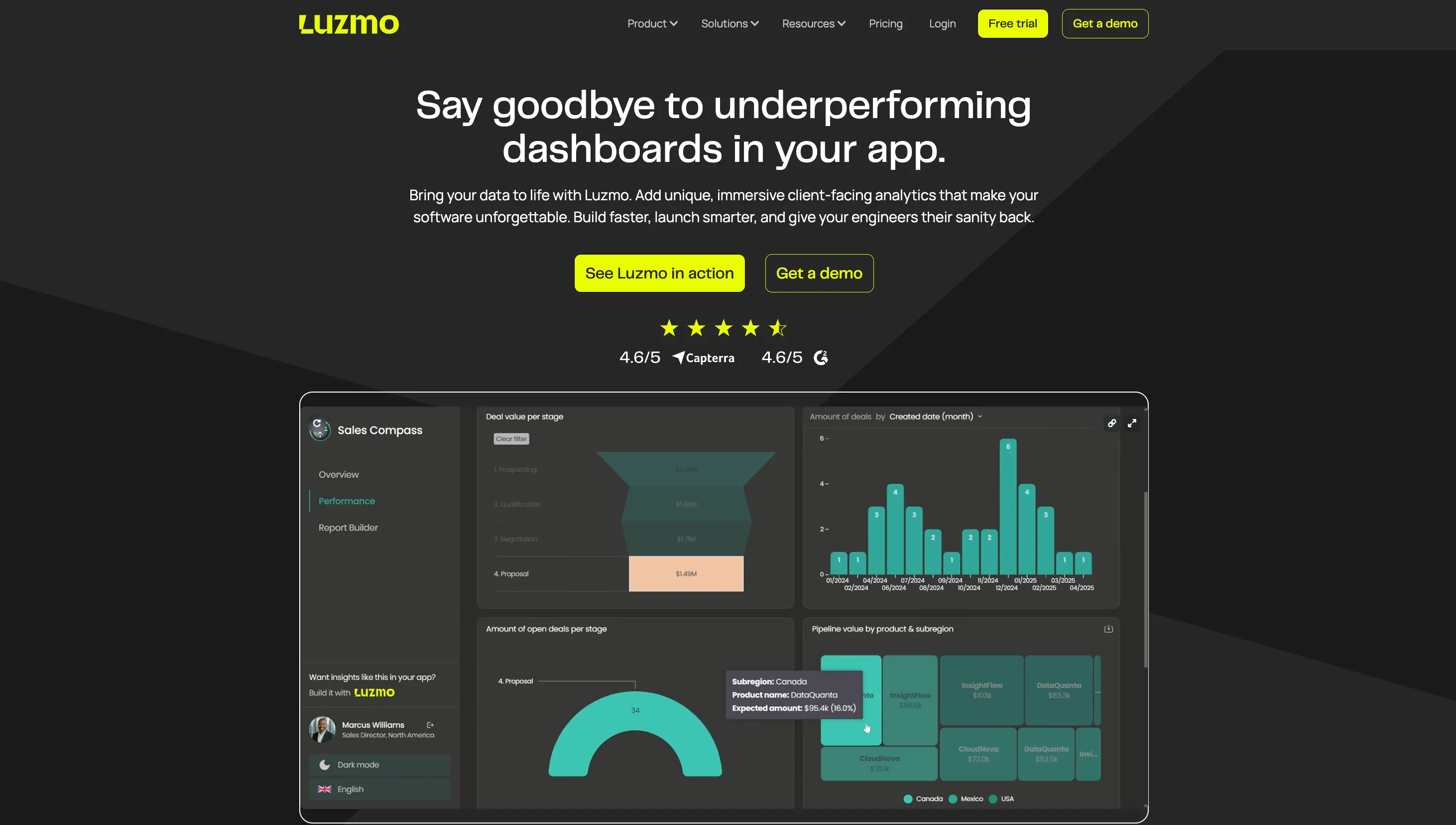
Luzmo is an excellent Grafana alternative for software companies that want to go beyond monitoring and visualization and deliver a modern analytics experience directly inside their app. While Grafana provides great dashboards for system health and synthetic monitoring, Luzmo focuses on embedded analytics that help your users make smarter, data-driven decisions.
With Luzmo Studio, teams can build interactive dashboards using an intuitive visual builder, while Luzmo Flex gives developers complete freedom to customize layout, connect data from multiple sources, and control the full look and feel. For non-technical users, Luzmo IQ introduces AI-powered analytics that allows you to query data in natural language - simply ask a question, and IQ creates a chart instantly.
Behind the scenes, Luzmo Agent APIs automate analytics workflows and data delivery, even when you’re working with large volumes of data. The result is a smoother, faster, and more scalable overall experience for your end-users.
You can also share dashboards easily with your customers or internal teams, letting them explore and interact with data in real time. Unlike Grafana, Luzmo’s wide choice of visualization types - from bar charts to Gantt charts and heatmaps - makes it perfect for both technical and business use cases.
Luzmo is fully customizable, integrates seamlessly with your product, and scales effortlessly as your data grows. The best part? You can try it out for free or book a demo to see how Luzmo Flex, Studio, IQ, and Agent APIs can help you build better embedded dashboards than any other alternatives to Grafana.
Pricing: Plans start at €995/month (Starter) and €2,495/month (Premium), billed annually. Enterprise plans with custom pricing are available. Pricing scales with Monthly Active Users (MAUs). See Luzmo pricing →
Kibana
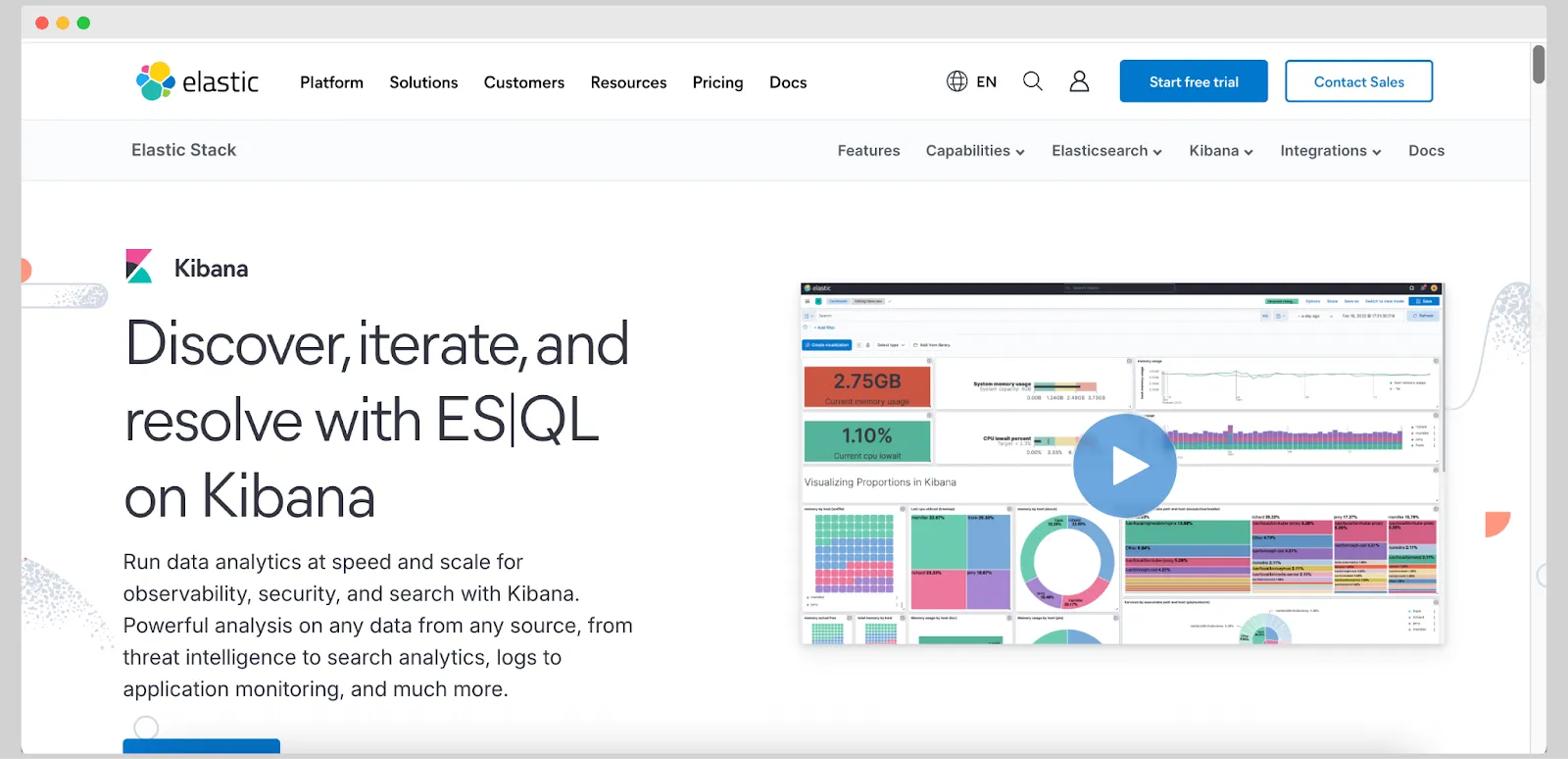
Kibana is the top Grafana alternative for developers fluent in Javascript who want to visualize their Elasticsearch data. It lets you manage the Elastic stack (Elasticsearch, Beats, Logstash) and visualize data in customizable dashboards.
If you already use Elastic stack for your search and analytics, this is the first choice for data visualization. However, note that you don’t have many dashboards to choose from. Also, you must work with other tools in the ELK stack, limiting customization space.
Tableau
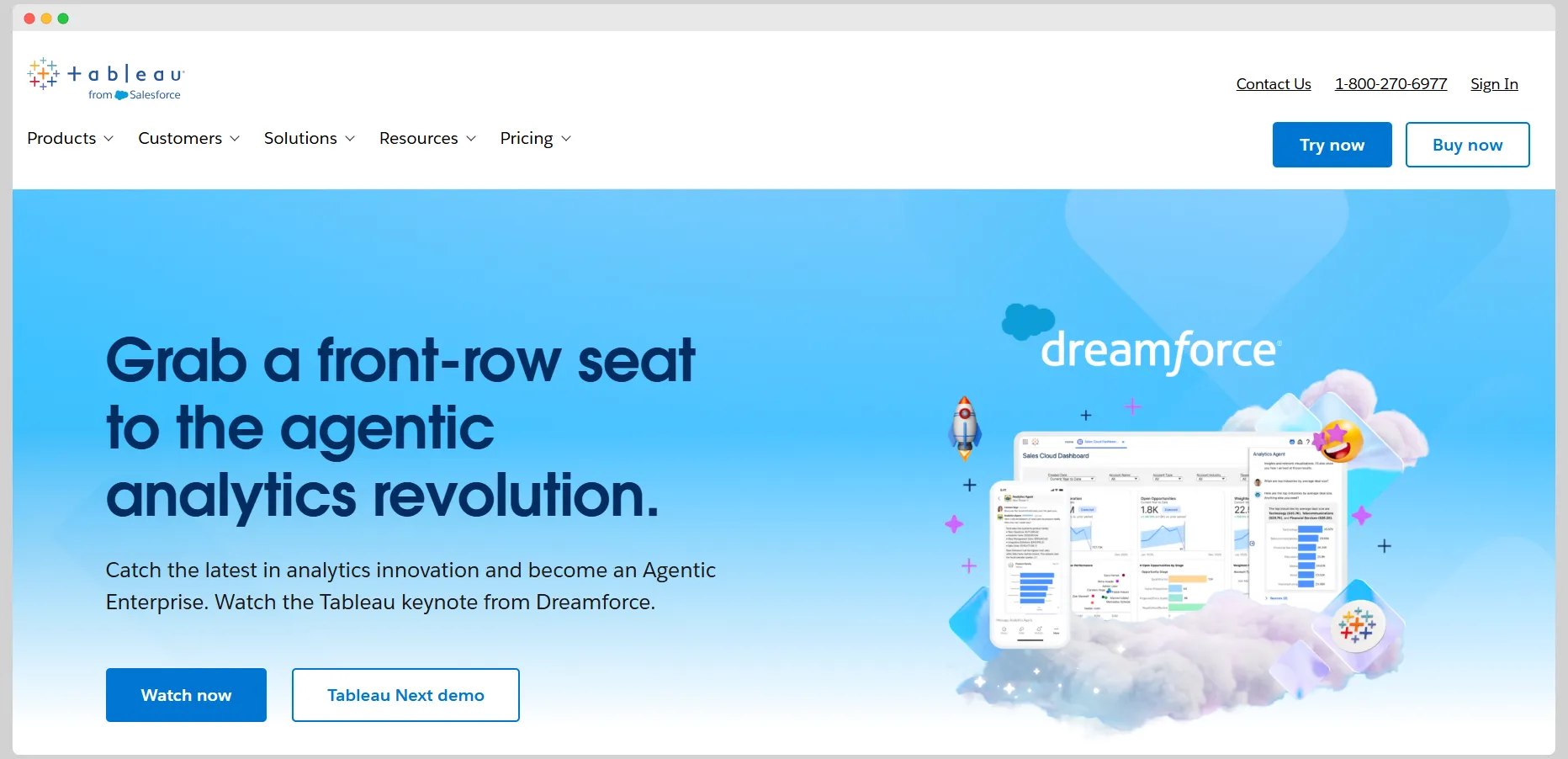
If you want to visualize data for internal stakeholders and even end-users of your software, Tableau is one of the leading platforms in the BI industry. Launched by Salesforce, it is well-known for its huge variety of visualization types and integrations with the Salesforce ecosystem.
Conversely, Tableau can be very complex for beginners, especially if you want to use it in an embedded setting. You can solve this by hiring a Tableau expert, and there are plenty to go around. One thing you cannot solve so easily is the pricing, which can quickly go out of hand with many creators, users, and dashboard viewers.
Datadog
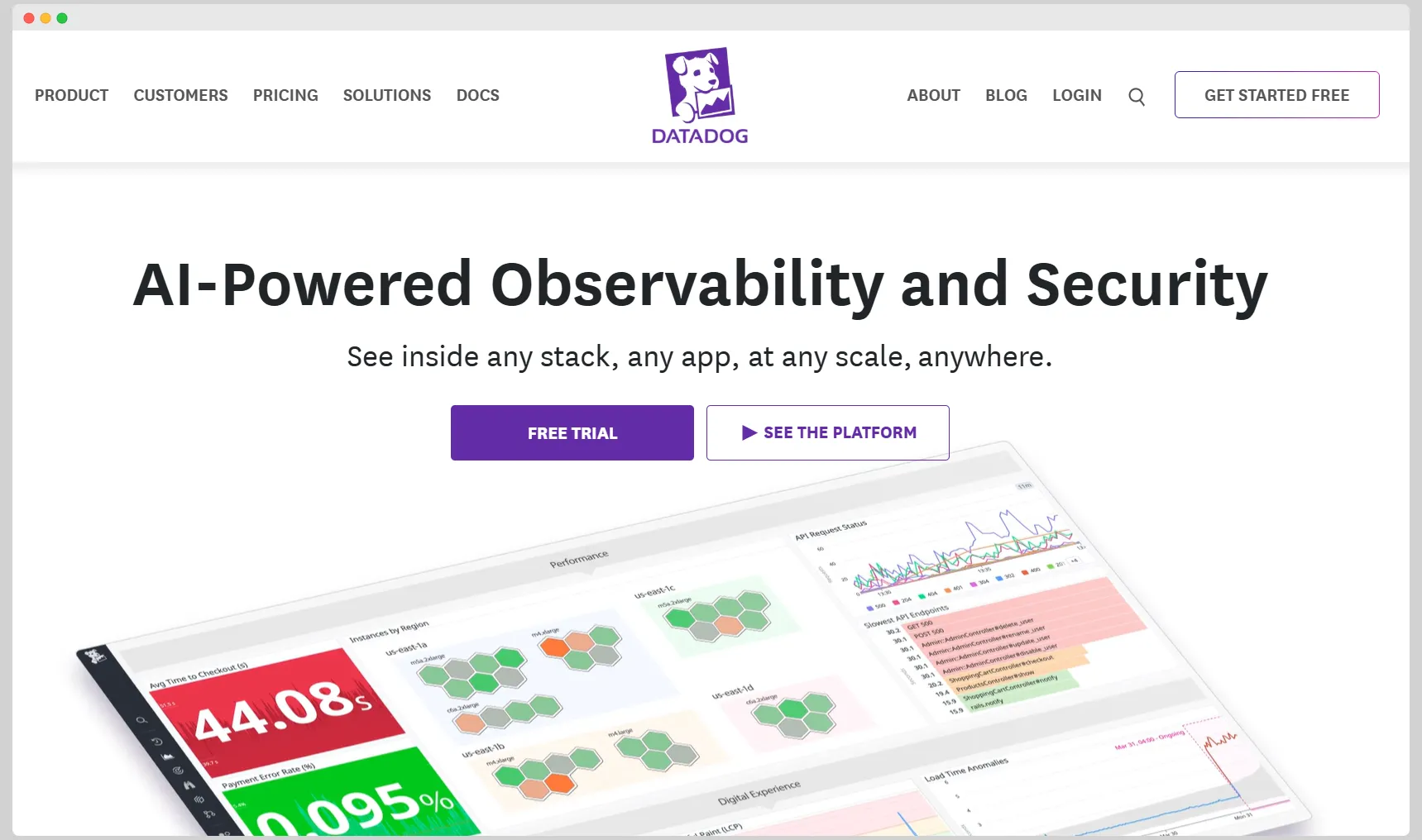
Datadog is one of the most popular cloud-based Grafana data visualization and monitoring alternatives. It covers multiple use cases such as infrastructure, logs, user experience and applications.
It offers 800+ integrations with various data sources and many dashboards you can try out of the box. Datadog retains your metrics for up to 15 months. In the more expensive plans, you get machine-learning-based alerts and live processes.
The downside of Datadog is that it can get pretty expensive since pricing is based on data usage. Also, the visualizations are limited compared to Grafana’s dashboards.
Prometheus
Prometheus is an open-source, high-performance system for collecting metrics and alerting. It works in real time and records metrics in a time series database and it is great for scaling. Given its strong time-series data support, it works well for Kubernetes monitoring.
One issue is that Prometheus is not a proper data visualization tool on its own, so you’ll likely pair it with a tool such as Grafana anyway. It also does not have native support for complex querying.
InfluxDB
This is a purpose-built time-series database with a high write performance. It supports complex time-series queries and alerting, and it’s great for monitoring IoT and DevOps metrics. You can query data in InfluxDB by using SQL for real-time insights. It can be purchased in a fully managed or self-hosted version. InfluxDB supports over 300 integrations with various data sources and business apps.
The negative side of this platform is that compared to Grafana, it’s pretty limited in the types of visualizations it offers. Regarding data sources, there is not much flexibility beyond those not bound to time-series data and InfluxDB.
New Relic
New Relic is a full-stack observability platform that offers advanced application performance monitoring (APM) features and deep performance insights for organizations with complex applications.
Compared to Grafana, New Relic can be very expensive. Another downside is that it’s primarily app-focused and does not have the varied customization options of Grafana and similar tools.
Splunk
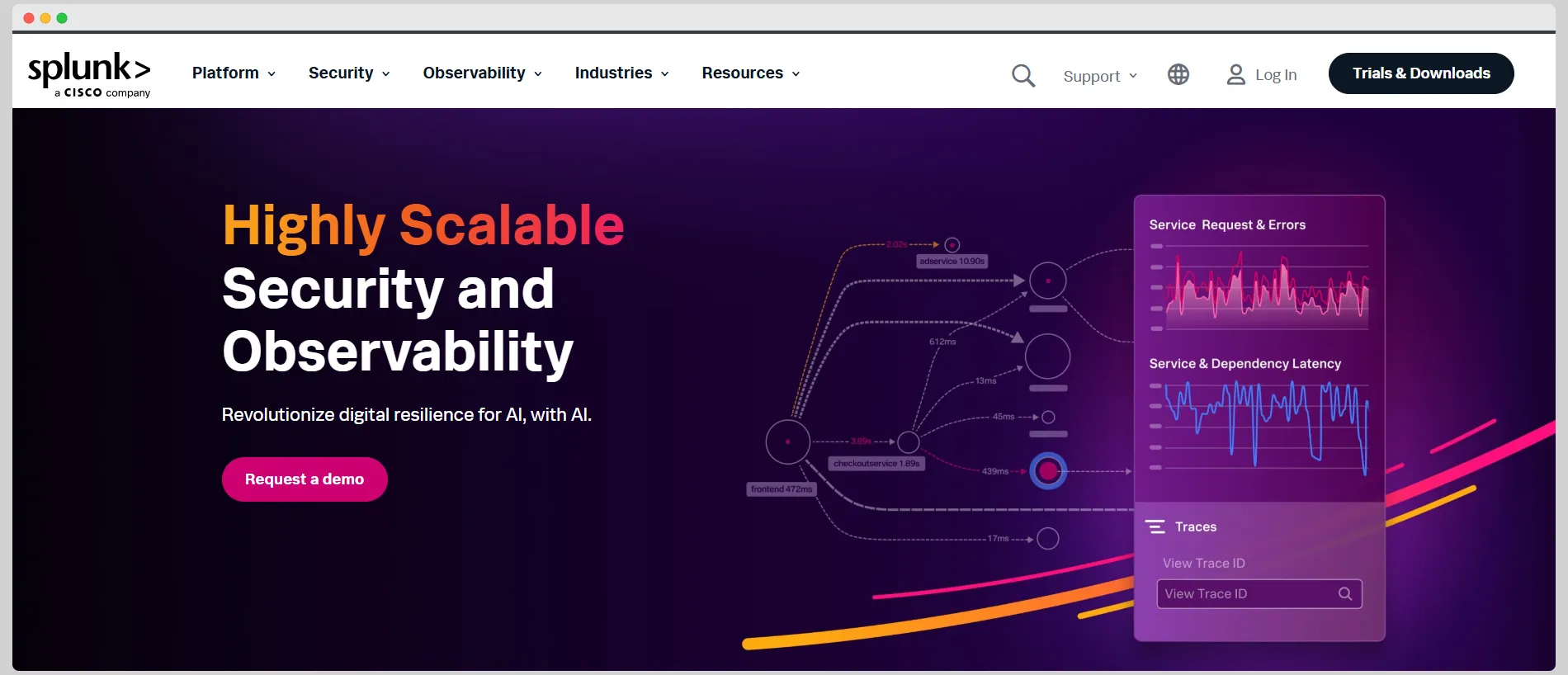
Splunk is a comprehensive platform for log analysis and real-time management of events with enterprise-grade features. It’s a superb choice for IT operations and security because of its many compliance capabilities. It works great for anomaly detection thanks to its machine learning and AI insights.
Compared to Grafana and other alternatives on this list, Splunk can be pretty pricey. It’s also log-centric so it lacks Grafana’s multi-source dashboard capabilities.
Open-source alternatives to Grafana
If staying open source is the requirement, the honest answer is that it depends which part of Grafana you're replacing.
For metrics and observability: Prometheus handles collection and alerting, though as noted it isn't a visualization tool on its own. Newer projects like SigNoz and OpenObserve bundle collection and visualization together in a single open-source package, which is worth a look if the appeal of Grafana was avoiding a vendor bill rather than Grafana itself. For teams that want managed observability instead, Dynatrace sits alongside Datadog and New Relic in the commercial tier.
For business intelligence: Apache Superset and Metabase are the two mature open-source options. Neither expects time-series data, both handle relational databases and warehouses comfortably, and both are far friendlier to non-technical users than a PromQL-based interface.
For fast operational dashboards: there's a middle category that's easy to miss, sitting between infrastructure monitoring and traditional BI. Tools in the BI-as-code space are built for sub-second exploration of event and operational data, which is often what teams actually wanted when they reached for Grafana to chart business metrics. If that describes your use case, compare the Rill alternatives for operational analytics rather than forcing a monitoring tool into the role.
For dbt-centric data teams: if your transformations already live in dbt and you want analytics defined in the same code-first workflow, the semantic-layer tools are a better starting point than Grafana. The Lightdash alternatives for dbt-centric teams cover that ground, including which ones reuse your existing dbt models rather than asking you to redefine metrics.
Remember the trade in all of these: no license cost, but you own infrastructure, upgrades, authentication and whoever gets paged at 3am.
Grafana alternatives for embedded analytics in software products
Grafana was built for infrastructure and application monitoring — primarily for DevOps and engineering teams who need to visualize time-series data from systems like Prometheus, InfluxDB, and Elasticsearch. It is excellent at that use case. For software teams building customer-facing analytics into a product, it is generally not the right tool, and the alternatives worth evaluating are different from those that compete with Grafana for internal observability use cases.
The core mismatch is audience. Grafana dashboards are designed for engineers who understand the data source and the metrics being displayed. They can navigate complex panel configurations, understand what a query is doing, and tolerate a technical interface. End users of a software product — customers who want to see their own data presented clearly inside the application they pay for — have very different expectations. They expect a polished, branded experience with no visible query logic, no infrastructure terminology, and interactive controls that work without configuration.
Multi-tenancy is the second gap. In a customer-facing analytics context, each customer should see only their own data. Grafana's access control model was not designed for this at scale. Implementing row-level security that isolates each customer's data reliably, across a large user base, requires significant custom engineering that Grafana does not provide out of the box.
The third gap is the mechanics of embedding itself, and it catches teams out late. Panel embedding through iframes is available in self-managed Grafana, but Grafana Cloud doesn't support anonymous access or the same panel-embedding route. So the pattern many teams assume they'll use, dropping a public iframe into a customer-facing page, is tied to running Grafana yourself rather than to the managed service. If you're on Grafana Cloud and planning customer-facing dashboards, verify that path early rather than after you've designed around it.
For software teams that need embedded analytics specifically, rather than internal observability, the more relevant alternatives are purpose-built embedded analytics tools. Luzmo AI is designed for this use case: it connects to your data source, handles multi-tenant data isolation natively, and exposes an AI-powered analytics experience inside your product that end users can interact with in plain language, without any Grafana-style query interface.
Grafana vs. the alternatives: a side-by-side comparison
Grafana competes in a crowded space, and the right alternative depends heavily on whether the primary use case is internal monitoring, internal BI, or customer-facing embedded analytics. The following covers the most common comparison scenarios.
For infrastructure and application monitoring
Datadog and New Relic are the two main commercial alternatives to Grafana for observability. Both offer richer out-of-the-box integrations, managed infrastructure, and more polished alert management than a self-hosted Grafana instance. The trade-off is cost: both are significantly more expensive than Grafana, which is free to self-host. Teams that need reliable observability without the overhead of maintaining their own Grafana deployment typically find one of the two a worthwhile investment.
For internal business analytics
Metabase is a strong alternative for teams that need business analytics, so sales, marketing and operations rather than infrastructure monitoring. It is significantly easier to set up than Grafana for business data use cases, has a cleaner interface for non-technical users, and does not require knowledge of PromQL or similar query languages. Redash and Apache Superset cover similar ground with more SQL flexibility.
This is the point where most teams realize they were never really shopping for a Grafana replacement at all. They needed a BI tool and reached for the dashboard software they already had. If that's you, it's worth comparing the Metabase alternatives for general-purpose BI properly, because the field is wider than the observability-adjacent options that show up in Grafana comparisons.
For customer-facing embedded analytics
Grafana is rarely evaluated for embedded analytics, but teams sometimes reach for it when they have an existing Grafana setup and want to reuse it for customer dashboards. This works for technical user bases but fails for general end users. Purpose-built embedded analytics platforms — including Luzmo AI — provide the white-label styling, multi-tenant data isolation, and natural language interaction that Grafana cannot offer without substantial custom development.
When Grafana is still the right choice
If the primary use case is time-series monitoring of infrastructure or application metrics, and the audience is an engineering or DevOps team, Grafana remains one of the best options available. Its deep integration with Prometheus, Loki, and Tempo, combined with its extensive plugin ecosystem and the fact that it is free to self-host, makes it hard to displace for this specific use case.
When Grafana is the right choice — and when it is not
Grafana is one of the most widely used data visualization tools in the world, but its strengths are specific enough that using it outside its core use case creates friction that is worth accounting for before committing.
Grafana works well when the data source is a time-series database or metrics store, the audience has technical familiarity with the data being displayed, the dashboards are for internal use rather than customer-facing deployment, and the team has the engineering capacity to manage a self-hosted instance or is willing to pay for Grafana Cloud. For infrastructure monitoring, log aggregation, and application performance dashboards within a technical organization, it is genuinely strong.
Grafana creates friction when the data source is a relational database or data warehouse rather than a time-series store — Grafana's query model is not optimized for this, and building dashboards against SQL databases requires more configuration effort than comparable BI tools. It also creates friction when the audience includes non-technical users, when dashboards need to be embedded in a third-party application with strict styling requirements, or when multi-tenant data isolation is a hard requirement.
The decision framework is: if you are monitoring systems and your audience is engineers, Grafana is a strong choice. If you are visualizing business data for analysts, a dedicated BI tool will be more productive. If you are embedding analytics in a product for customers, a purpose-built embedded analytics platform will be more appropriate — and will avoid the substantial engineering work required to make Grafana work in that context.
Compare developer-friendly analytics platforms
Grafana is usually evaluated in engineering-heavy environments. These alternatives cover adjacent open-source, code-first and analytics-as-code workflows:
Need customer-facing analytics rather than an observability dashboard? Explore Luzmo.
Conclusion
Grafana boldly promises to help with data visualization and alerting, but it’s not built for everyone. Complex onboarding, scalability issues, and problems with customization are all valid reasons to look elsewhere for an alternative solution.
With Luzmo, you can visualize your data in your app and give your end-users the power to understand data points in real-time, on their own terms. With powerful AI features and a variety of data sources, Luzmo can fit into any app.
Book a free demo with our team, and we’ll show you how it works.
FAQ
All your questions answered.
What should I look for in a Grafana alternative?
Start by naming the job. Observability tools optimize for time-series metrics, logs and alerting. BI tools optimize for exploring business data. Embedded analytics platforms optimize for showing your customers their own data inside your product. Pick the category first, then compare tools within it.
What is the best open-source Grafana alternative?
For observability, Prometheus paired with a visualization layer is the standard open-source route, and newer projects like SigNoz and OpenObserve bundle both. For business analytics rather than monitoring, Apache Superset and Metabase are the strongest open-source options, since neither expects time-series data.
What replaces Grafana for business analytics?
Metabase or Apache Superset for internal reporting, since both handle relational databases and warehouses more naturally than Grafana's time-series query model. For customer-facing analytics inside a product, you want a purpose-built embedded platform instead, because multi-tenant isolation and white-labeling aren't things Grafana provides.
Is Grafana suitable for embedded analytics in SaaS products?
Rarely. Panel embedding through iframes works in self-managed Grafana, but Grafana Cloud doesn't support anonymous access or the same panel-embedding route, which rules out many public customer-facing scenarios. Multi-tenant data isolation also needs substantial custom engineering that Grafana doesn't provide out of the box.
How much does Grafana cost?
Grafana Open Source is free to self-host. Grafana Cloud has a free tier, and Cloud Pro starts with a $19 monthly platform fee plus usage, with active visualization users priced separately. Grafana Enterprise starts at a $25,000 annual minimum, so your real bill depends heavily on usage.
Grafana vs Datadog: which is better?
Different trade-offs. Datadog gives you managed infrastructure, broader out-of-the-box integrations and more polished alert management. Grafana is free to self-host and more flexible across data sources. Datadog usually costs more, so the honest answer depends on whether you'd rather spend money or engineering time.
Written by

Ship the future of your data
Let us show you what Luzmo can do for your product.

Book your session with our analytics expert.